

Manually Inspecting a Message
While automated monitoring is a primary aspect of our service, we also provide an inspection feature that allows you to manually forward an email to us for analysis. To use this service, simply forward the email you would like analyzed to inspect@aegisdefender.com.
NOTE: Your forwarded email must come from an address that is already registered with us under your profile.
Our system will inspect your email and provide a detailed analysis regarding the legitimacy of the content. To make sure you receive a response, please whitelist our domain so that our messages don’t get caught up in your spam folder.
Alternatively, you may also go to the Inspect tab in our application at https://app.aegisdefender.com and upload a file or a photo for inspection.
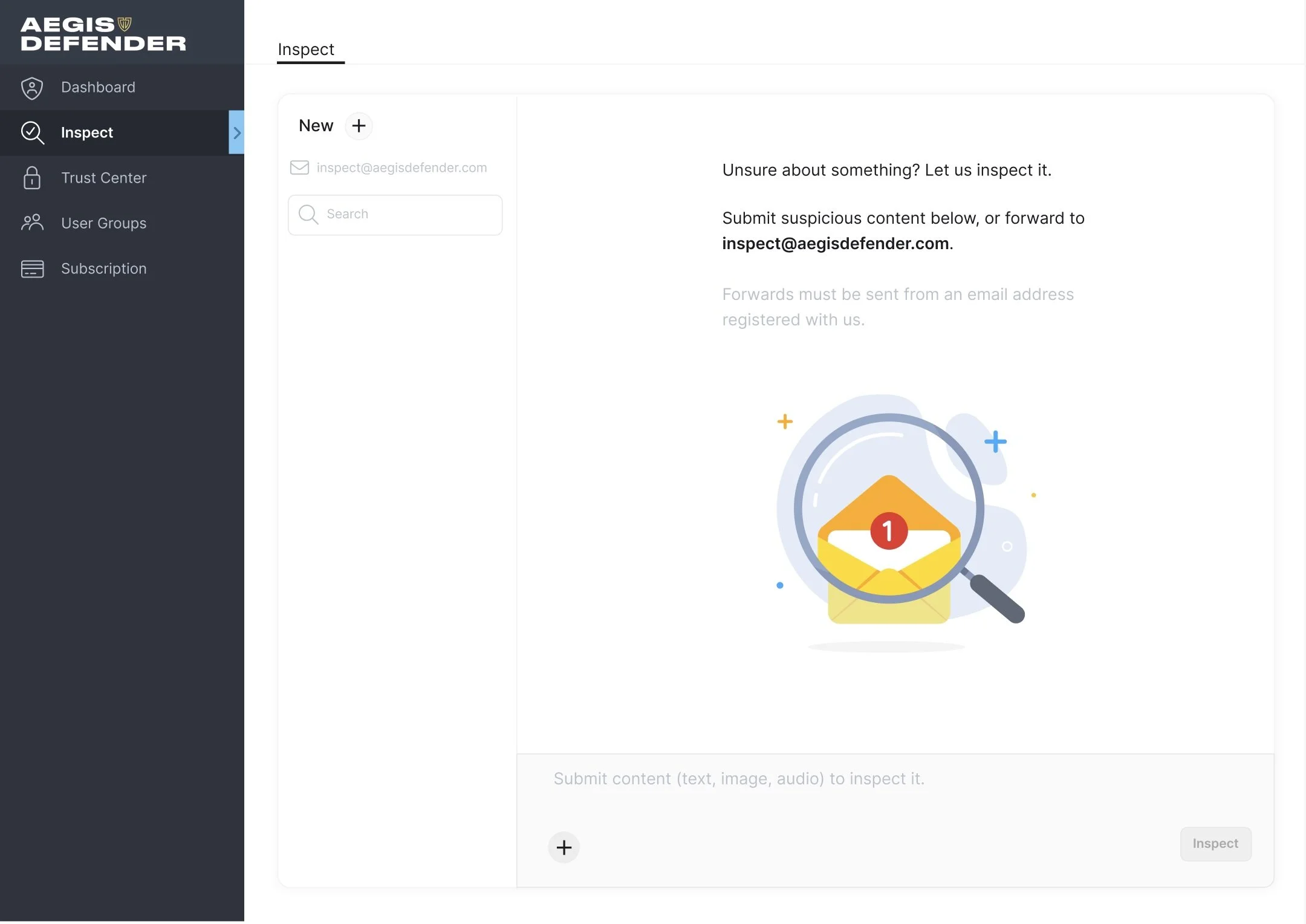
Forward content for analysis to inspect@aegisdefender.com, or submit content in our Inspect interface.
